From Hamdouchi Interactive
All Square
Split the trip, the rent and the dinner bill. Every split type, simplified debts and payment links, with no ads, no account and no limit on expenses.
Free for iPhone, iPad, Apple Watch and Android. The first group is free with every feature. Only you need the app: everyone else gets the summary.

Every split
Split it any way.
Equally (leave anyone out), exact amounts, percentages or shares, so a couple can count as two. A bar cuts the total into each person's piece as you type, and Save waits until it adds up to the cent.
When a total will not divide evenly, the odd cent is marked "+$0.01" so nobody wonders where it went.

Receipt scan
Scan the receipt.
Point the camera at the receipt. The text is read on your iPhone, the app lists the items with their prices, tax and tip, and you fix anything it misread. Tap who had what, and shared items split between them.
Tax and tip follow what each person ordered. Only the item list is kept, never the photo.

Balances
Who owes what, in words.
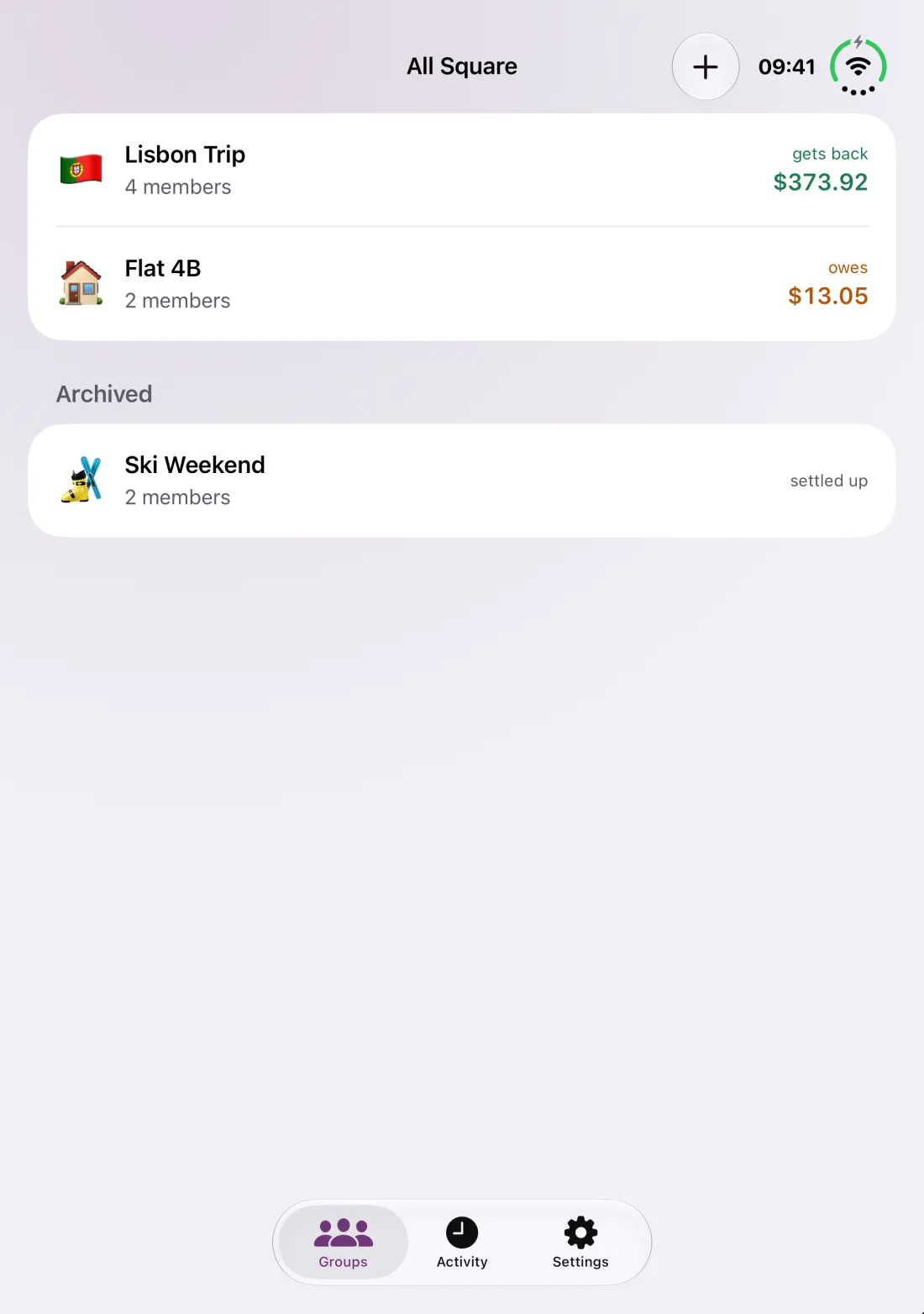
Every member's balance in the group's currency, always with words as well as color: "gets back" or "owes". Every expense in another currency keeps its own amount and the rate you typed, and nothing is ever fetched.
- Mayagets back $373.92
- Leoowes $146.73
- Priyaowes $183.30
- Samowes $43.89
The balances in a group always add up to exactly zero.

Settle up
Fewer payments. One tap to pay.
Simplify debts turns a tangle of IOUs into a few payments. Each one has a button for the friend's Venmo, PayPal.me or Cash App with the amount filled in where the app allows it. Come back and tap Mark as Paid.
All Square keeps the record. The payment itself happens in the other app, and marking it paid is always your call.

Share and export
Send the summary.
Friends do not need the app. Share the settle-up summary as text with the payment links, as an image, or as a PDF that lists every expense. Export the whole group as CSV for a spreadsheet.

Widgets
Your balance at a glance.
Group Balance shows where you stand and the payments left, with one tap to add an expense or settle up. Your Groups lists every group, and the Lock Screen keeps your balance one look away.


Apple Watch
Settle up from your wrist.
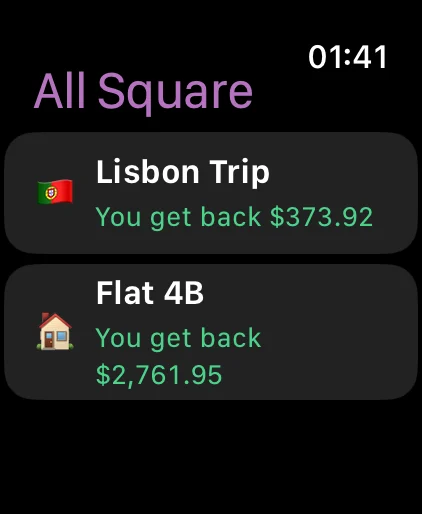
See every group and your balance in words, the payments to make, and Mark as Paid. Add an expense on a keypad, split equally. A complication keeps your balance on the watch face.
iPad and iCloud
Same books, every device.
The ledger syncs through your own private iCloud, so your iPhone, iPad and Apple Watch agree, and a new phone gets every group back. No sign-in, and nothing goes to us.

All Square Pro
One group free. Every feature.
Your first group has everything: unlimited expenses, every split, receipt scan, payment links and export. All Square Pro adds as many groups as you like, for the next trip, the flat and the book club.
$4.99 once. No subscription, no ads.
Nothing you entered is ever locked. Family Sharing is on, and Restore Purchases brings it back on a new device.

iPhone Duo
Unfold it. Square up.
All Square is ready for iPhone Duo: check your groups on the outer display, then unfold and the same books fill the big inner one.
Free on the App Store and Google Play, with the first group free. All Square Pro is $4.99 once.